How to vibe codeZencal
Online booking and service sales platform
zencal.io ↗Scheduling & Service Sales SaaS
The verdict: can you vibe code Zencal?
Build a personal service scheduling clone for yourself, but keep paying if you rely on multi-user team routing and regional payment gateways.
The core booking loop (pick slot, save meeting, email confirmation) is straightforward. However, maintaining reliable two-way calendar sync with Google and Microsoft without hitting rate limits or timezone corruption requires careful engineering. Background jobs for SMS reminders and atomic Stripe payment locks add noticeable integration friction.
Estimated effort: 2-4 weeks part-time
What you can't replicate
- Zencal's established user base and specialist trust
- Pre-integrated regional European payment processors (Przelewy24, tPay, PayU)
Founded
2022
Raised
—
Team
Small boutique team
Cheapest paid tier
$10/mo
What Zencal does
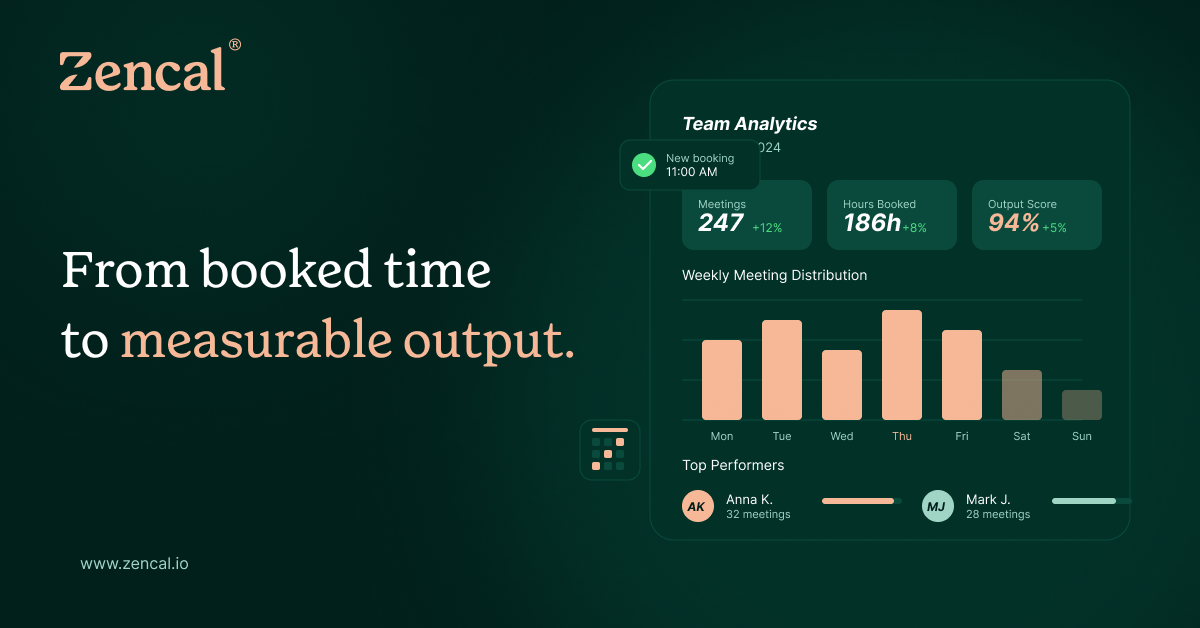
An online booking and service sales platform combining multi-directional calendar sync, payment processors, automated invoicing, SMS/email reminders, and team routing.
Core features
- Meeting types & service definition
- Hosted booking profile page & embeddable widget
- Two-way calendar sync (Google Calendar, Outlook)
- Real-time availability conflict calculation
- Stripe payment gateway integration
- Automated email & SMS reminder sequences
- Team round-robin assignment routing
- Basic revenue & booking analytics dashboard
The business
Pricing
- Light$10/mo
- Pro$28/mo
- Team$349/mo
- EnterpriseCustom
Funding
Unknown / bootstrapped
Pay vs build, cumulative
Break-even at month 2 — after that, every month is money kept.
The hard parts of vibe coding Zencal
- Two-way calendar sync handling timezone shifts and preventing infinite webhook sync loops
- Robust background job queues for time-sensitive global SMS/email reminders
- Team round-robin scheduling logic with overlapping schedules and buffer times
- Atomic payment-to-booking finalization ensuring slots lock only upon successful charge
How to vibecode Zencal
Prerequisites
Node.jsfree
Runtime environment for Next.js development
GitHubfree
Source control and deployment pipeline
Stripe Accountfree
Processing test-mode payments for booked services
AI coding tools
Recommended stack
| Frontend | Next.js with Tailwind CSS and shadcn/ui |
|---|---|
| Backend | Next.js App Router API Routes |
| Database | Turso (SQLite at the edge) |
| Auth | better-auth |
| Payments | Stripe |
| Other | Resend for transactional email notifications, Twilio for SMS reminders, Inngest for durable background jobs |
Hosting & infrastructure
| Cloudflare | Hosting Next.js frontend and edge API endpoints | $0-5/mo |
Build guide
01Scaffold Project & Database Schema
Initialize Next.js project with Tailwind CSS, configure Turso SQLite connection, and define database schemas for users, meeting types, bookings, and availability schedules.
Scaffold a new Next.js project with TypeScript, Tailwind CSS, and Drizzle ORM configured for Turso SQLite. Create database tables for users, event_types (title, duration, price, description, buffer_time), bookings (host_id, client_name, client_email, start_time, end_time, status, stripe_payment_id), and availability_schedules (user_id, day_of_week, start_time, end_time). Ensure strict foreign key constraints and timestamp indices. Add validation schemas using Zod for all incoming request bodies.02Authentication & Host Profile Setup
Integrate better-auth for secure host login and build profile settings to manage username slugs and branding.
Configure better-auth in the Next.js app supporting email/password and Google OAuth. Implement protected dashboard routes where a logged-in user can configure their profile slug (e.g., /app/username), upload an avatar, set their default timezone, and manage their general settings. Create a public profile page route at /[slug] that fetches the user's active meeting types and renders them cleanly.03Availability Calculation & Booking Engine
Build the core booking availability engine that computes open time slots based on weekly schedules and existing appointments.
Build an API route /api/availability that accepts a userId, eventTypeId, and date range. The endpoint must evaluate the host's weekly availability templates, subtract existing confirmed bookings and buffer times, account for the client's timezone, and return an array of available start slots. On the frontend, build an interactive datepicker and time slot selection UI for clients visiting /[slug]/[eventType].04Stripe Payments & Booking Confirmation
Integrate Stripe Checkout to capture payment before finalizing appointment creation.
Implement Stripe Checkout integration for paid meeting types. When a client selects a slot and submits their contact details, create a Stripe Checkout session with metadata containing the eventTypeId, hostId, slot start/end time, and client details. Set up a Stripe webhook endpoint (/api/webhooks/stripe) that listens for checkout.session.completed events, securely verifies signatures, creates the confirmed booking record in Turso, and triggers confirmation emails.05Google Calendar Two-Way Sync
Connect host Google Calendar via OAuth to block busy times and push confirmed bookings.
Implement Google Calendar OAuth connection in the user dashboard. Store encrypted refresh tokens securely. Write a background service utility that fetches free/busy calendar intervals from Google Calendar API when computing available slots, and automatically creates a calendar event with a Google Meet link when a new booking is finalized via Stripe webhook.06Automated Reminders & Polish
Configure durable background jobs via Inngest to send automated email and SMS reminders before meetings.
Integrate Inngest for background job processing. Create an event-driven function triggered upon booking creation that schedules reminder events to be sent 24 hours and 1 hour before the meeting start time. Use Resend to send HTML email notifications and Twilio to send SMS reminders containing appointment details and rescheduling links. Build a host dashboard view displaying upcoming revenue stats and client lists.
Cost vs paying for Zencal
What will you build it with?
Starting total with Cursor$0 one-time
Starting costs (one-time)
- AI Coding Assistant Pro subscription$20
- Custom domain name (optional)$12
Total~$32 one-time
Ongoing costs (monthly)
- Cloudflare Edge Hosting$0-5/mo
- Twilio SMS usage (personal volume)~$2/mo
- Resend Email API (free tier)$0/mo
Total~$5/mo
Paying for Zencal
$28/mo (Pro Plan)
Your time to build
35-50 hours
AI tool credits
$20 one-time (Cursor/Claude Pro)
Break-even
1 month
Own Zencal? Wear the score
Put this badge on your site or README — it links back to this report.
<a href="https://vibeityourself.com/app/zencal"><img src="https://vibeityourself.com/badge/zencal" alt="Zencal vibe-codeability score" /></a>[](https://vibeityourself.com/app/zencal)Vibe code Zencal: FAQ
- Can you vibe code Zencal yourself?
- Solid side project — 68/100 vibecodeable. Build a personal service scheduling clone for yourself, but keep paying if you rely on multi-user team routing and regional payment gateways.
- How long does it take to vibe code Zencal?
- 2-4 weeks part-time — roughly 35-50 hours of hands-on time with an AI coding agent.
- How do you build your own Zencal?
- Scoped to personal use: Next.js with Tailwind CSS and shadcn/ui on the front, Next.js App Router API Routes behind it, Turso (SQLite at the edge) for data. Follow the 6-step build guide on this page — each step has a paste-ready prompt for an AI coding agent.
- How do you code your own Zencal without being an expert?
- Use an AI coding tool (Cursor or Claude Code) and work in small steps: scaffold, data model, core screens, then deploy. Realistic effort: 2-4 weeks part-time. The prompts on this page are written so the AI does the heavy lifting.
- How much does it cost to vibe code Zencal instead of paying?
- About ~$32 one-time to start and ~$5/mo to run, versus $28/mo (Pro Plan) for Zencal. Break-even: 1 month.
- What stack should you use to vibe code Zencal?
- Next.js with Tailwind CSS and shadcn/ui; Next.js App Router API Routes; Turso (SQLite at the edge); plus Resend for transactional email notifications, Twilio for SMS reminders, Inngest for durable background jobs.
Methodology
This report was generated by VibeItYourself's standard pipeline: we scrape zencal.io (content, branding, screenshot), deep-research the company with AI + web search (pricing, funding, team, engineering complexity), then score rebuild feasibility 0–100 against the same rubric used for every app — scoped to a personal-use clone, not a competing business. How scoring works. Verdicts are honest by design: what you can't replicate is listed above.
Last verified: